
MemoriTap is a small physical keepsake — link it to your videos in the MemoriPlay app, hand it to someone you love, and they tap their phone to start watching. No app, no password, no fuss.
Three simple steps from recording to handing it over.
Use the MemoriPlay app to capture the questions and memories that matter most.
Hold the small NFC tag to the back of your phone — the app links it to your videos in seconds.
They tap their phone to the tag and your videos play instantly. No app or sign-in required for them.
A digital memory becomes a tangible gift.
Recipients tap and watch — no download, no account, no password to remember.
Re-link the tag to different videos any time, all from the app. Their tap always plays the latest.
Compatible with iPhone 7 and later, plus most modern Android phones with NFC.
Videos stay in your account. Only people who tap your tag can watch — and you can disable it any time.
Choose the keepsake that fits your gift.
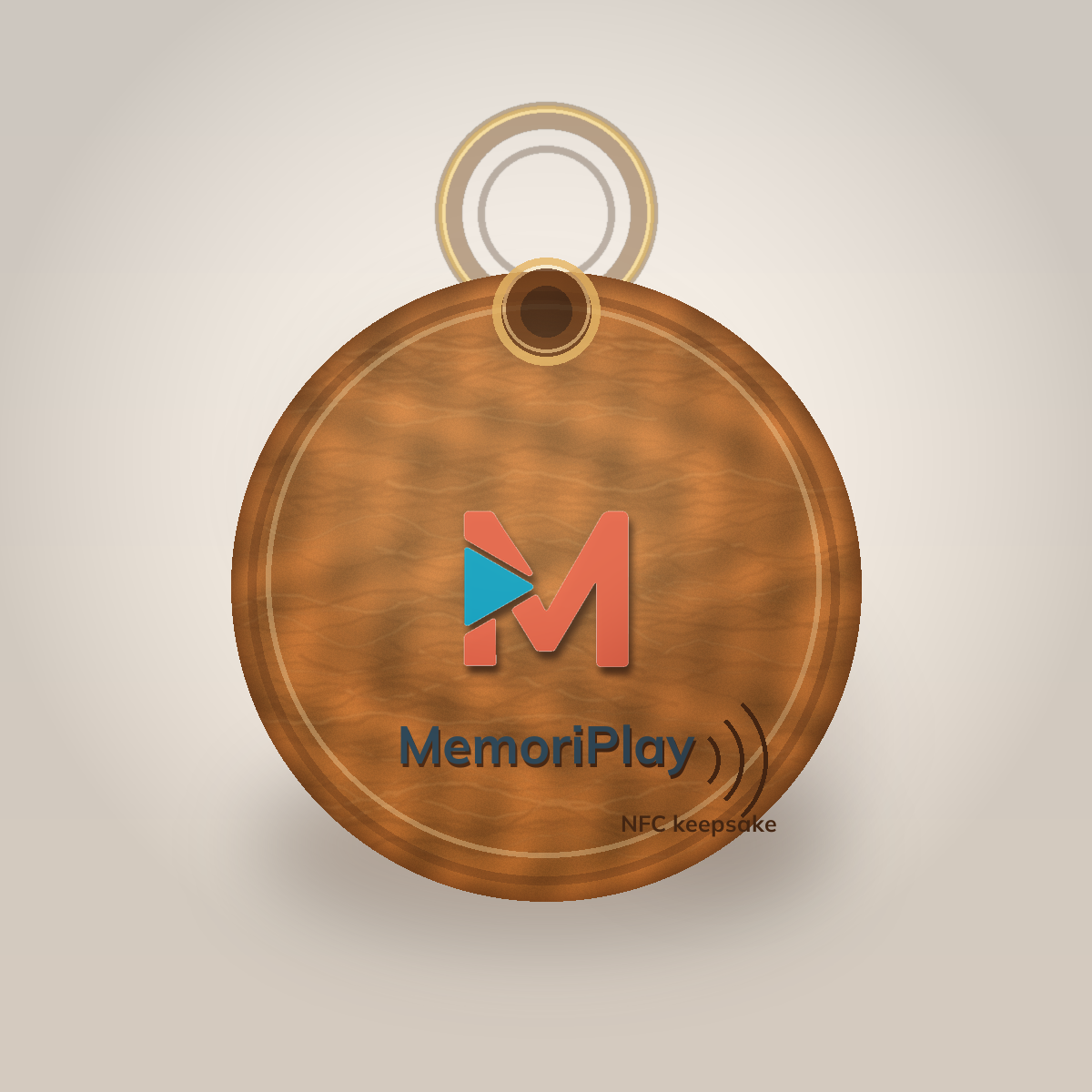
A physical NFC keepsake tag that opens your linked MemoriPlay videos when family members tap it with their phone.
Two ways to add a MemoriTap to your order.
The simplest path: pick a MemoriPlay gift package and add a MemoriTap to your order. We ship it directly.
Go to gift pageGet the app, then order a MemoriTap from inside it — it'll arrive ready to link to the videos you've already recorded.


No. Tapping the MemoriTap opens the videos right in their phone's browser. No download or account needed.
iPhone 7 and later (NFC built in), and most Android phones from the last several years. They just hold the back of their phone to the tag.
Yes. Open the tag in My MemoriTaps in the app and tap "Change Videos" any time. The MemoriTap doesn't need to be near you.
No batteries — it's a passive chip. The recipient's phone provides the power and uses its normal internet connection (Wi-Fi or cellular) to play the videos.
You can disable any MemoriTap from the app at any time. Anyone who taps it after that sees a "this MemoriTap is off" message.
Head to our setup guide for step-by-step instructions.
Add a MemoriTap to your order and turn a digital memory into a gift someone can hold.
Get a MemoriTap
